
When you say “Hey Siri, good night,” all bedroom lights turn off.
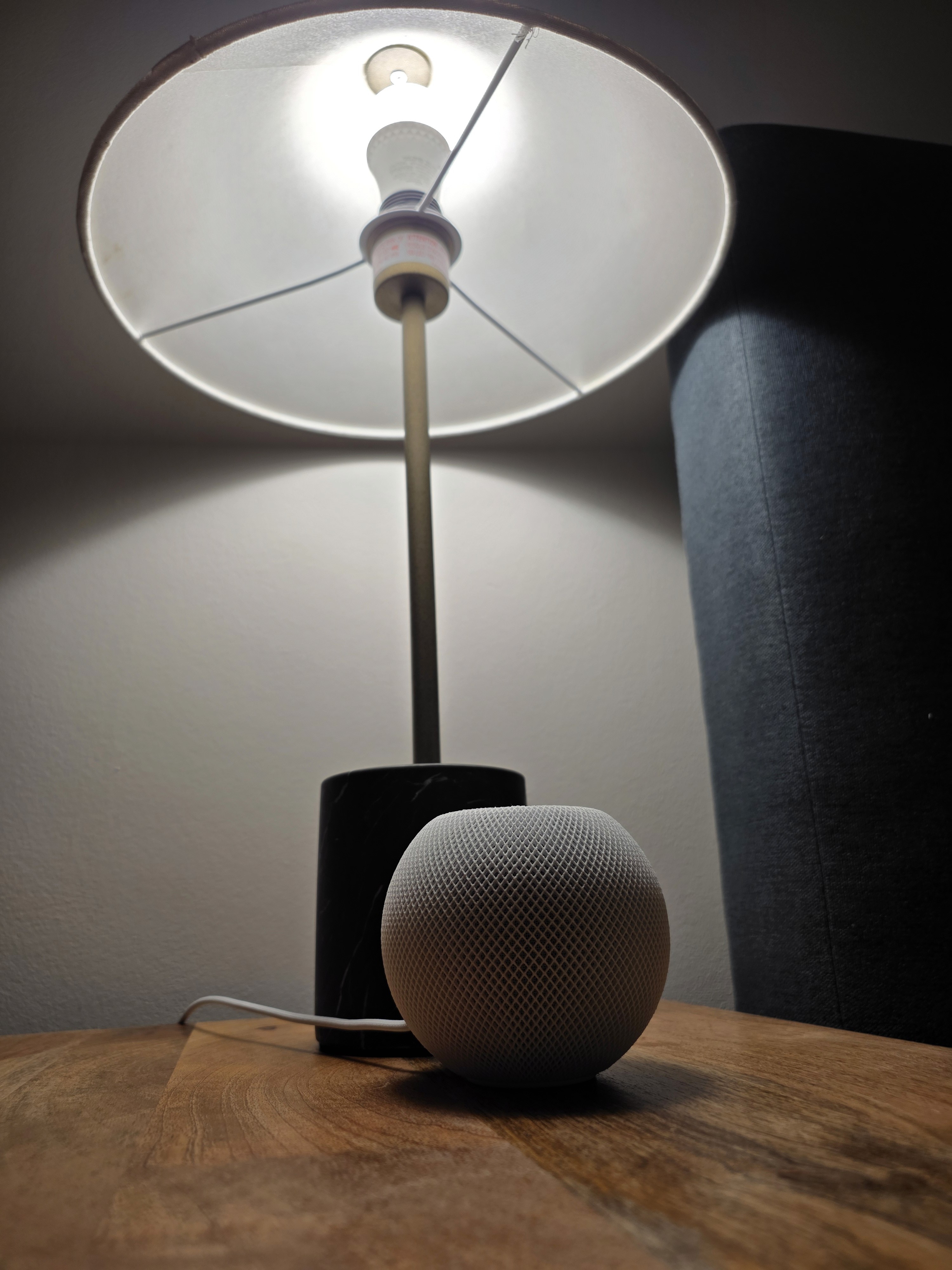
With just this automation, you can stay calm even if you realize after getting into bed that you left a light on. No more stumbling through a dark room and bumping into things, simply reach your bed safely, then say “Hey Siri, good night” to the HomePod mini on your nightstand.
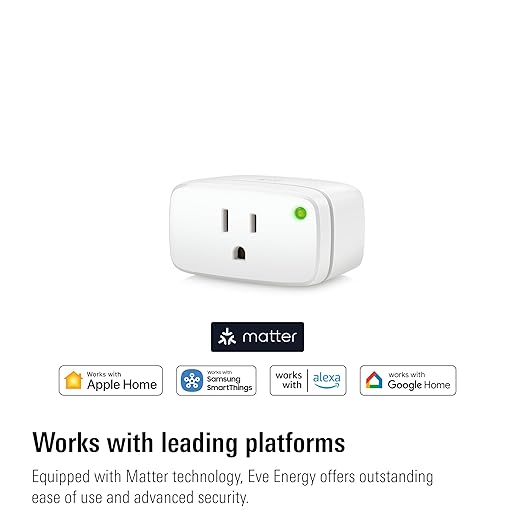
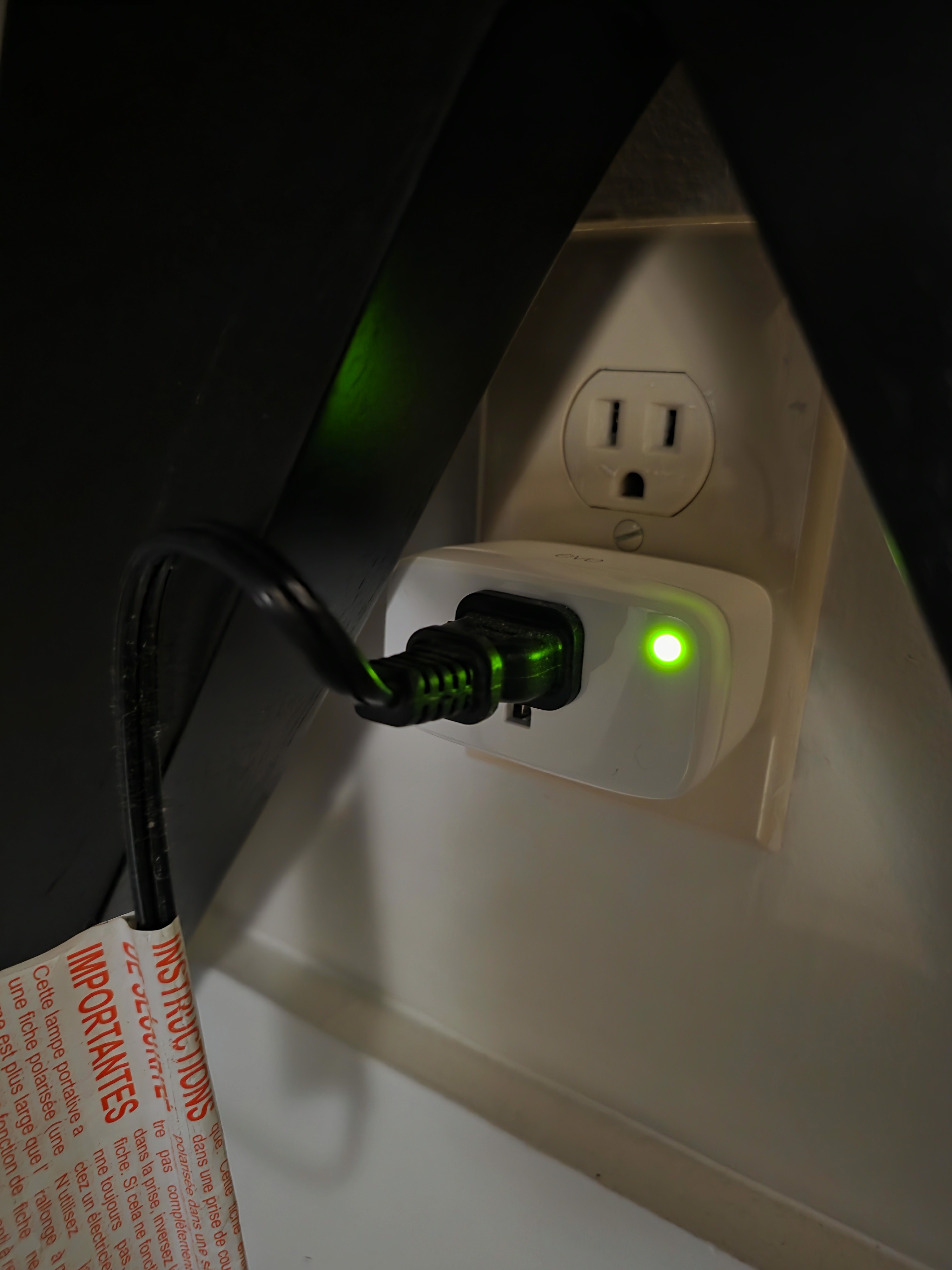
In my bedroom, there’s one lamp with an E26 bulb on each side of the bed and an LED lamp on the desk. I replaced the bedside bulbs with smart bulbs and plugged the desk lamp into a smart plug. I leave the physical lamp switches on at all times and control power with the smart bulbs/plug. The Tapo L535E smart bulbs and the Eve Energy smart plug use Thread, so they pair with the HomePod mini (which serves as a Thread Border Router) and can be controlled in Apple’s Home app.
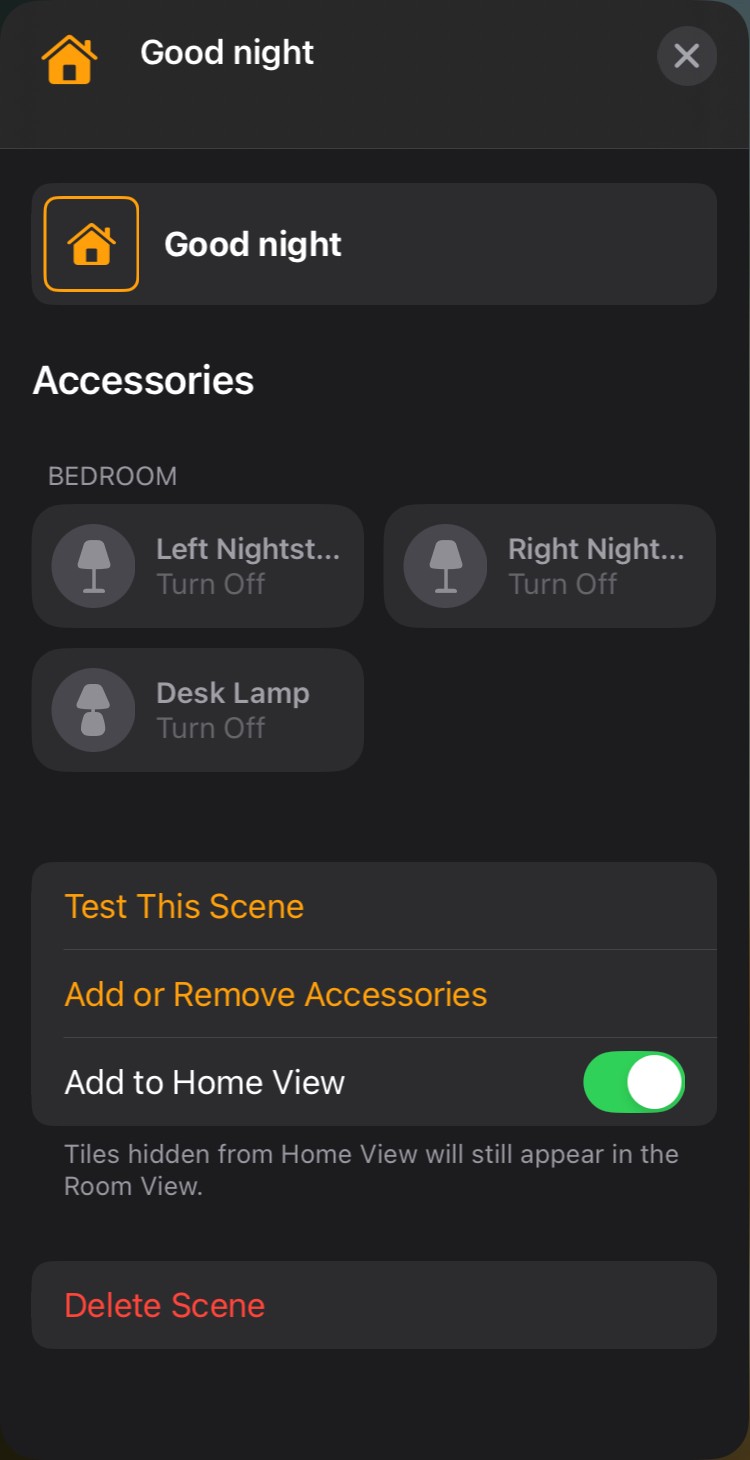
After adding the accessories (bulbs and plug) to the Home app, create a scene and name it “Good Night.” Add the bulbs and the plug to that scene and set them to turn off. From then on, saying “Hey Siri, good night” to the HomePod mini, or to Siri on your iPhone or iPad, runs the scene and turns off all bedroom lights at once.
Using the scene name as a voice command means you don’t have to open the Home app and tap through multiple screens each time, and you can control multiple accessories hands-free.
Required Devices