

When you enter the walk-in closet, the closet light turns on.
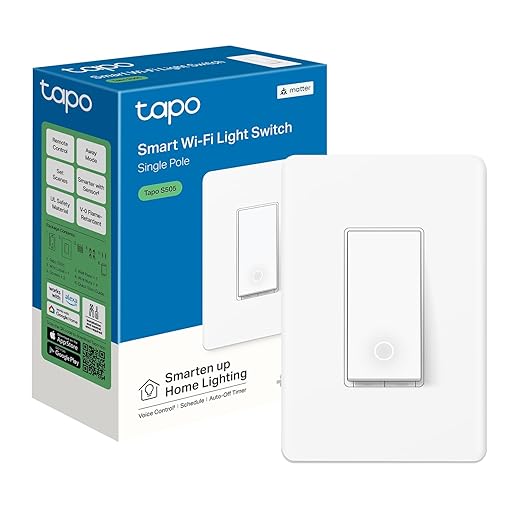
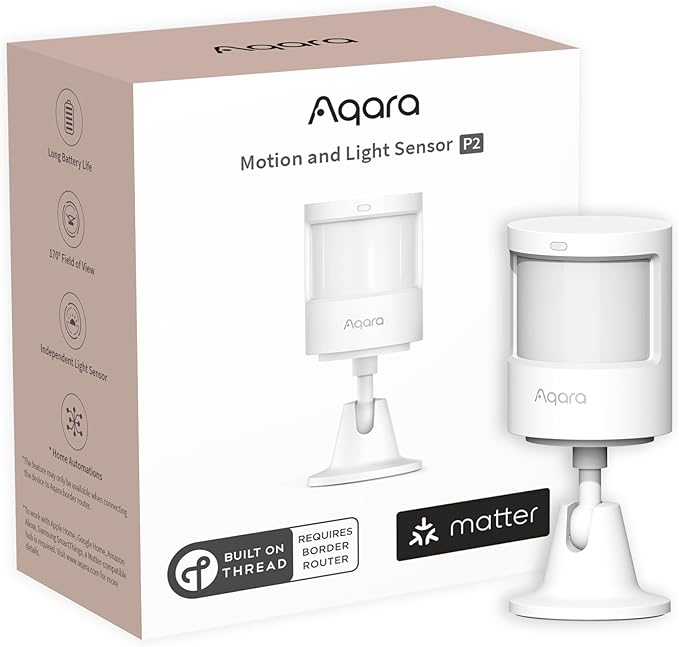
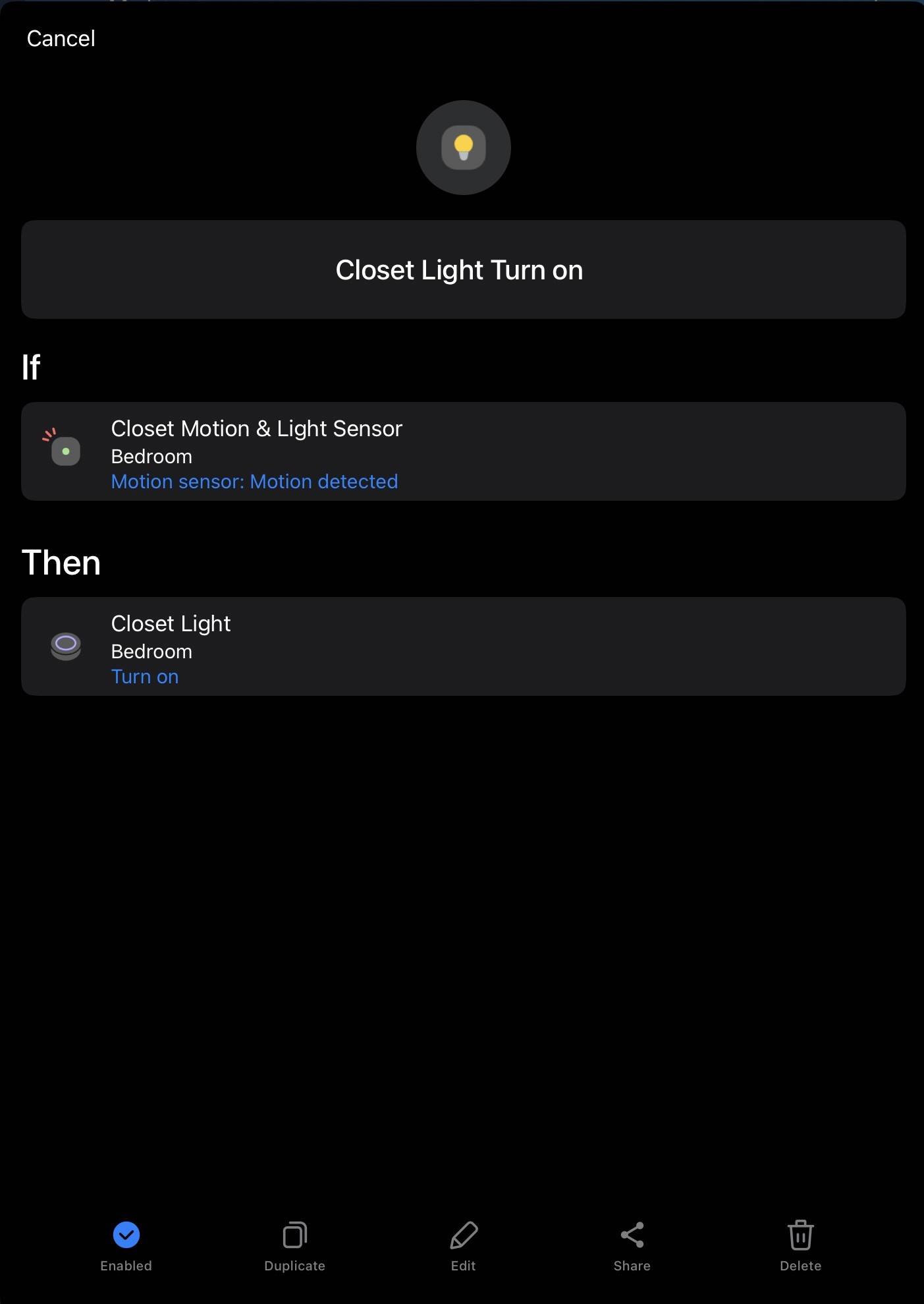
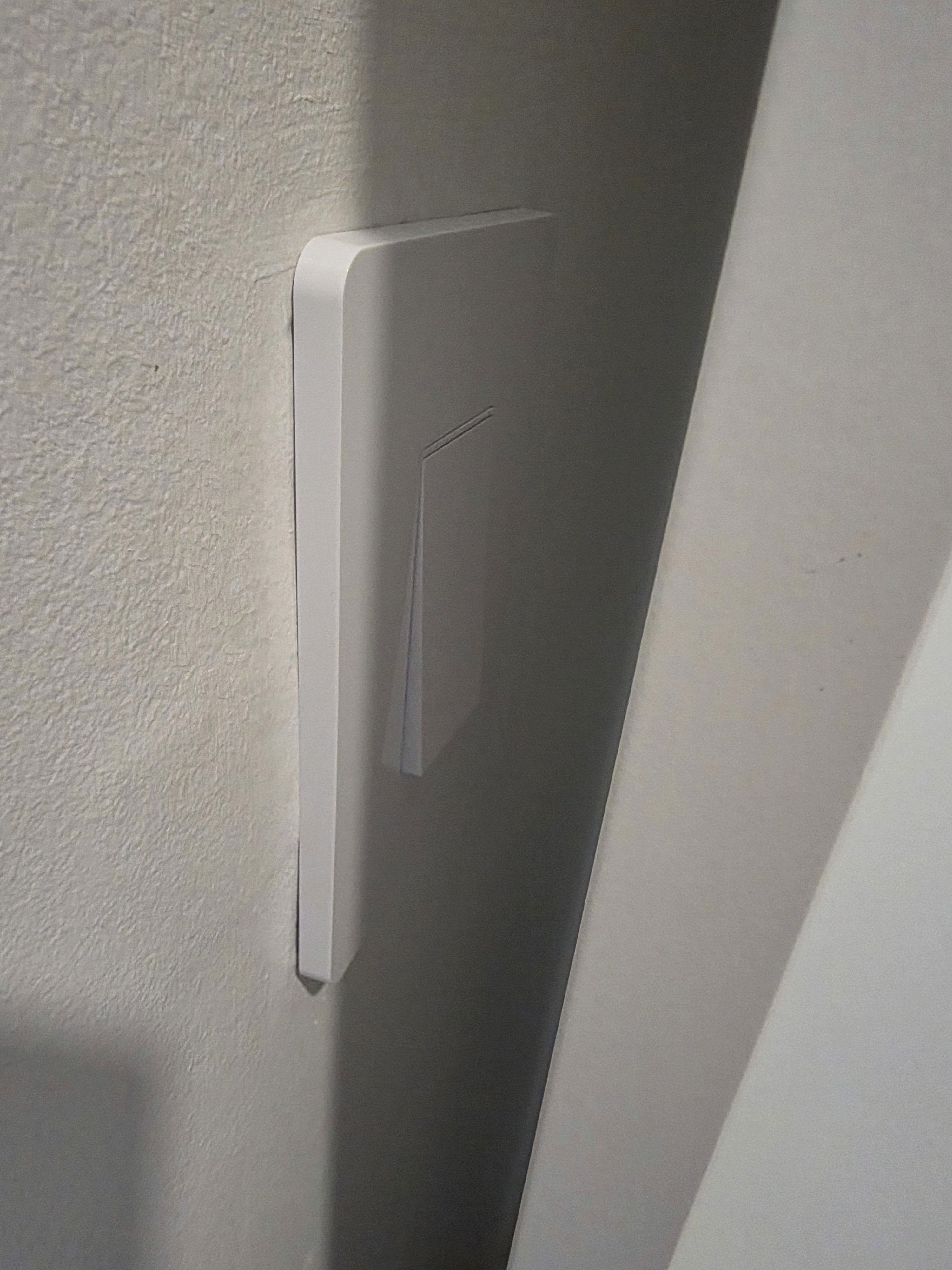
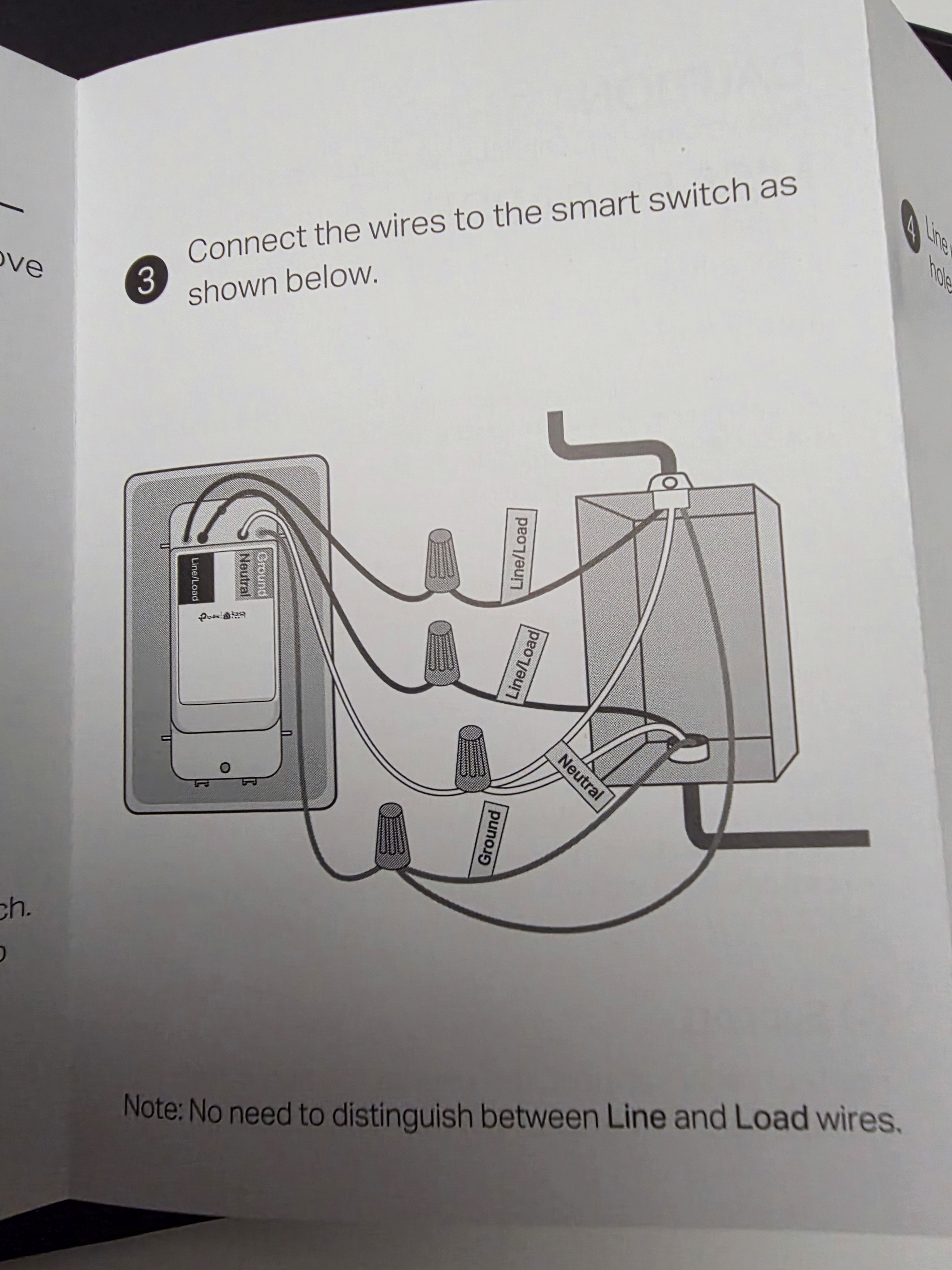
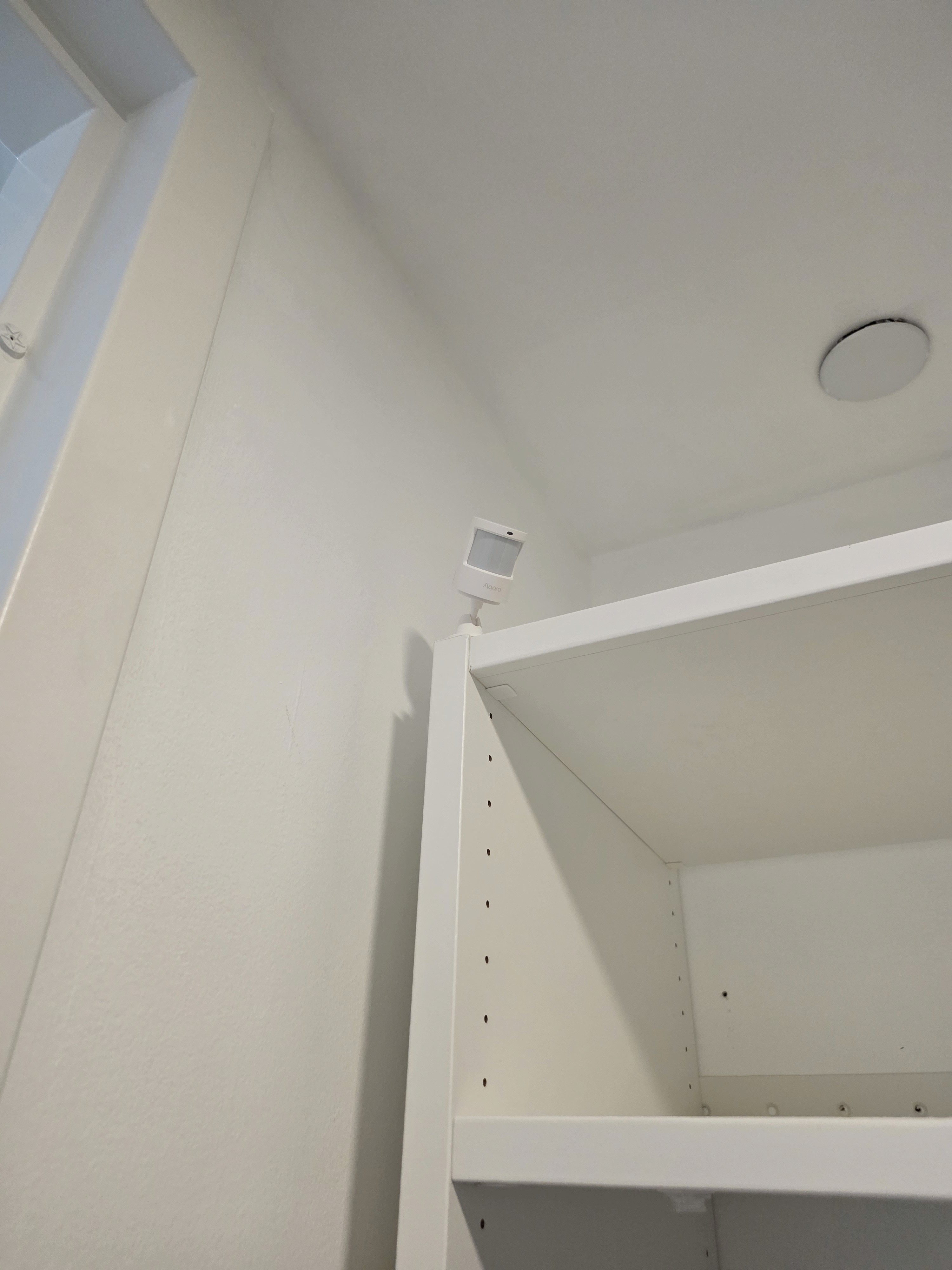
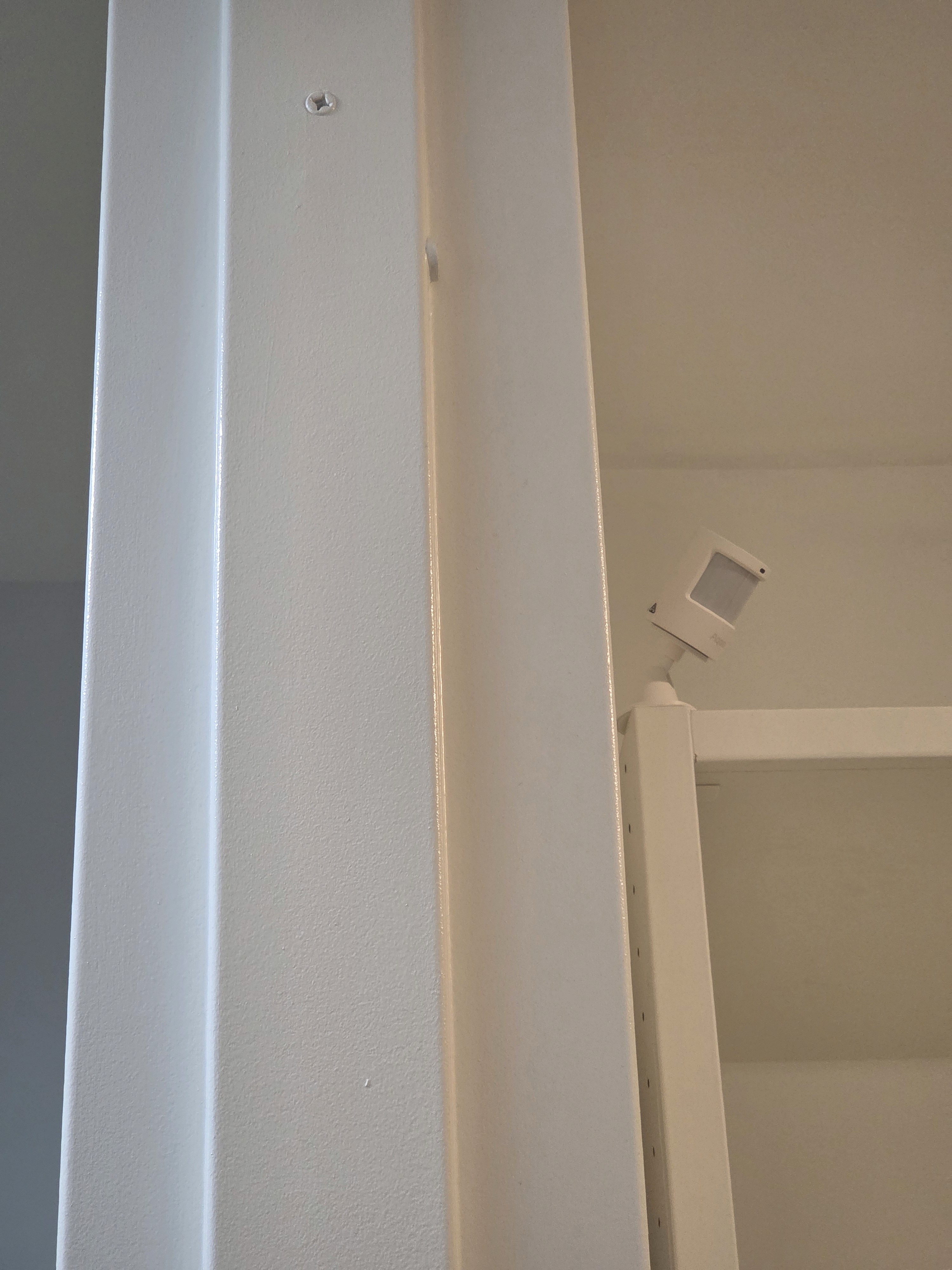
The wall switch for our walk-in closet light is partially hidden behind the closet, so you have to reach through a narrow gap to turn it on or off, which is pretty inconvenient. I replaced the wall switch with a Tapo smart switch and installed a motion sensor near the top of the closet entrance. The automation turns the switch on when motion is detected and off when no motion is detected.
An Aqara P2 motion sensor takes about 30–40 seconds to change to a no motion state after movement stops. That timing works well for a closet, so I didn’t add any extra delay (e.g., “turn off after 1 minute of no motion”); it simply turns off as soon as the sensor reports no motion. Both the Tapo smart switch and Aqara P2 motion sensor support Matter, so they can be paired directly with an Aeotec Hub.
Always turn off the breaker before replacing a wall switch. Check whether your home has a neutral wire at the switch box and buy a smart switch that matches your wiring (neutral-required vs. no-neutral models). Depending on whether there’s a ground wire and whether you have a metal switch box, you may need to connect ground properly or insulate it. If you’re not fully confident about the wiring, hire a licensed electrician to avoid shock or fire hazards.
Required Devices