

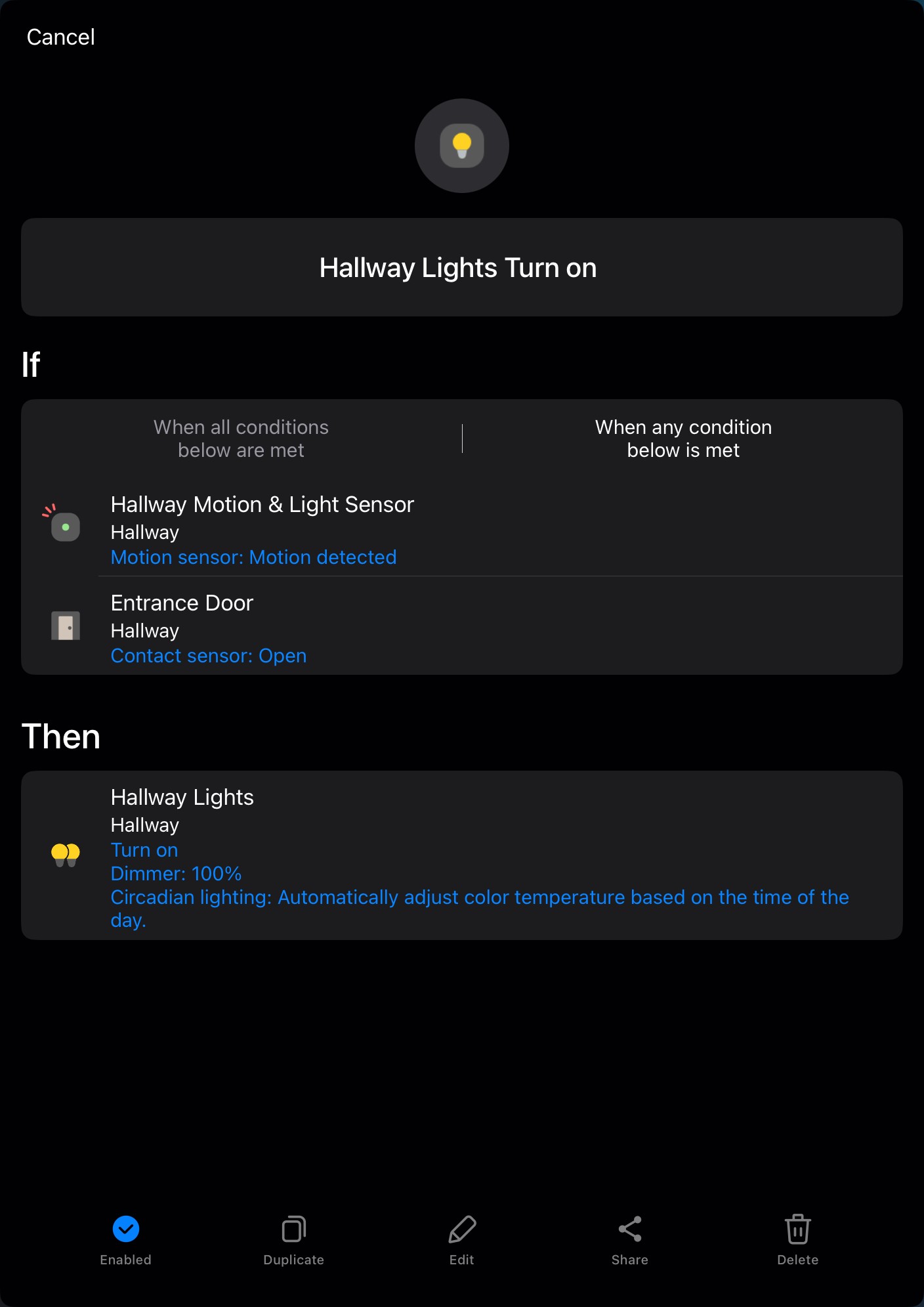
When the front door opens or motion is detected in the hallway, the hallway lights turn on.
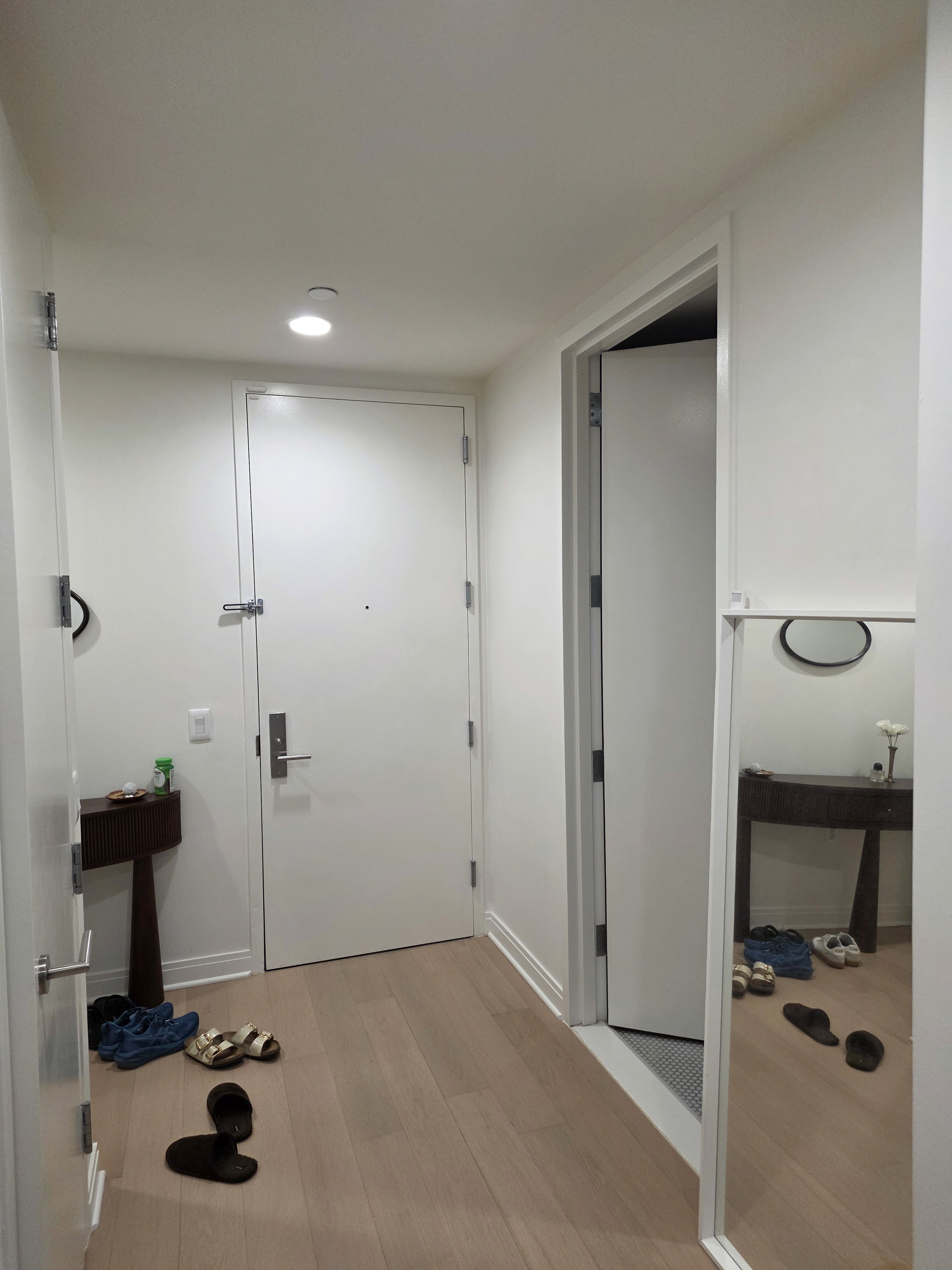
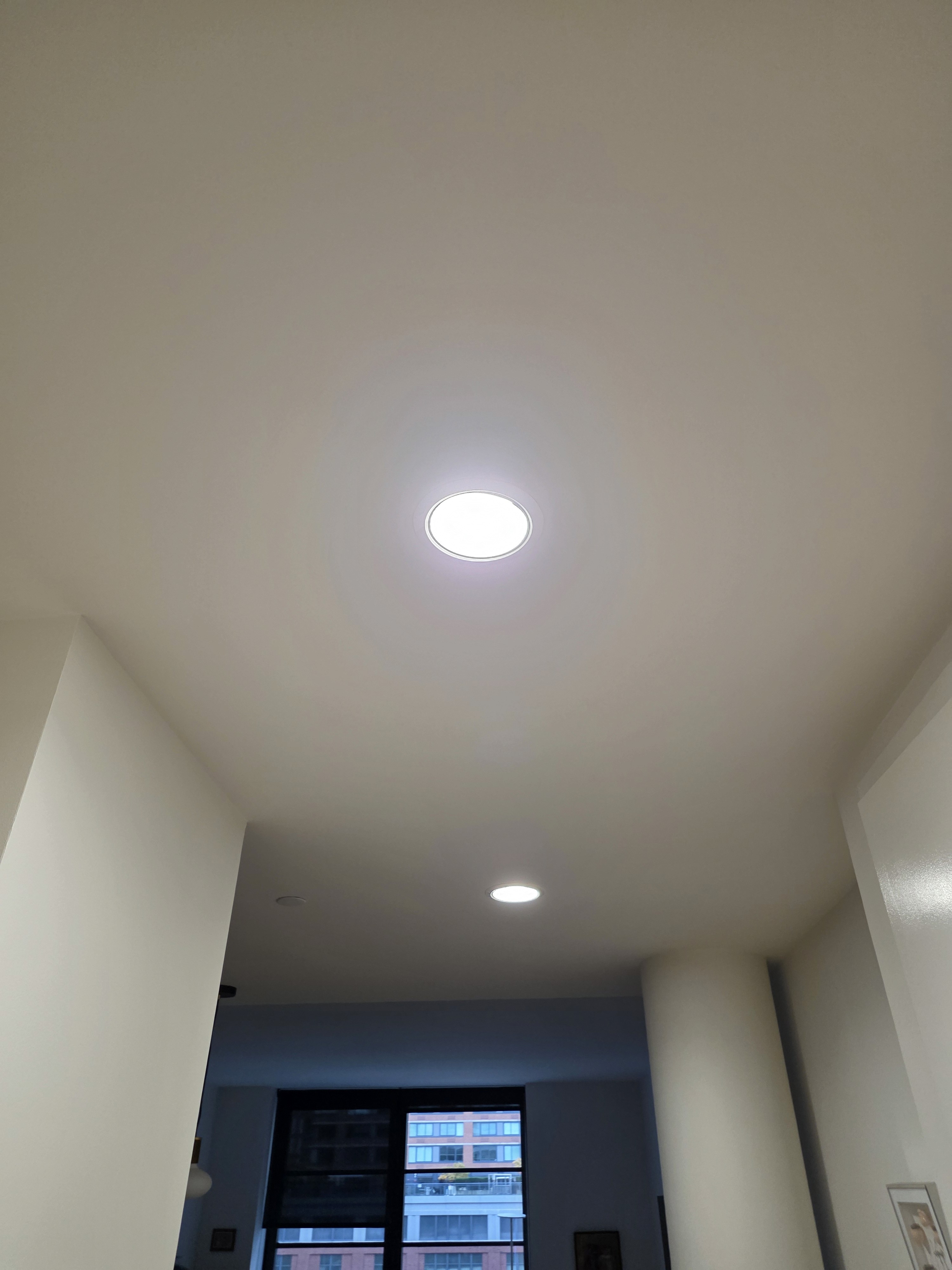
The hallway that leads in from the front door in my home doesn’t get much natural light because it’s far from the windows, so it stays quite dark even during the day. I use the ceiling downlights in the hallway a lot. There are wall switches near the front door and closer to the kitchen, but when I’m going to and from the bathroom in the middle of the hallway, I can’t easily turn the lights on or off from there. On top of that, it’s easy to forget to turn the hallway lights off when they’re not needed, so I set up an automation that turns them on only when someone is actually in the hallway.
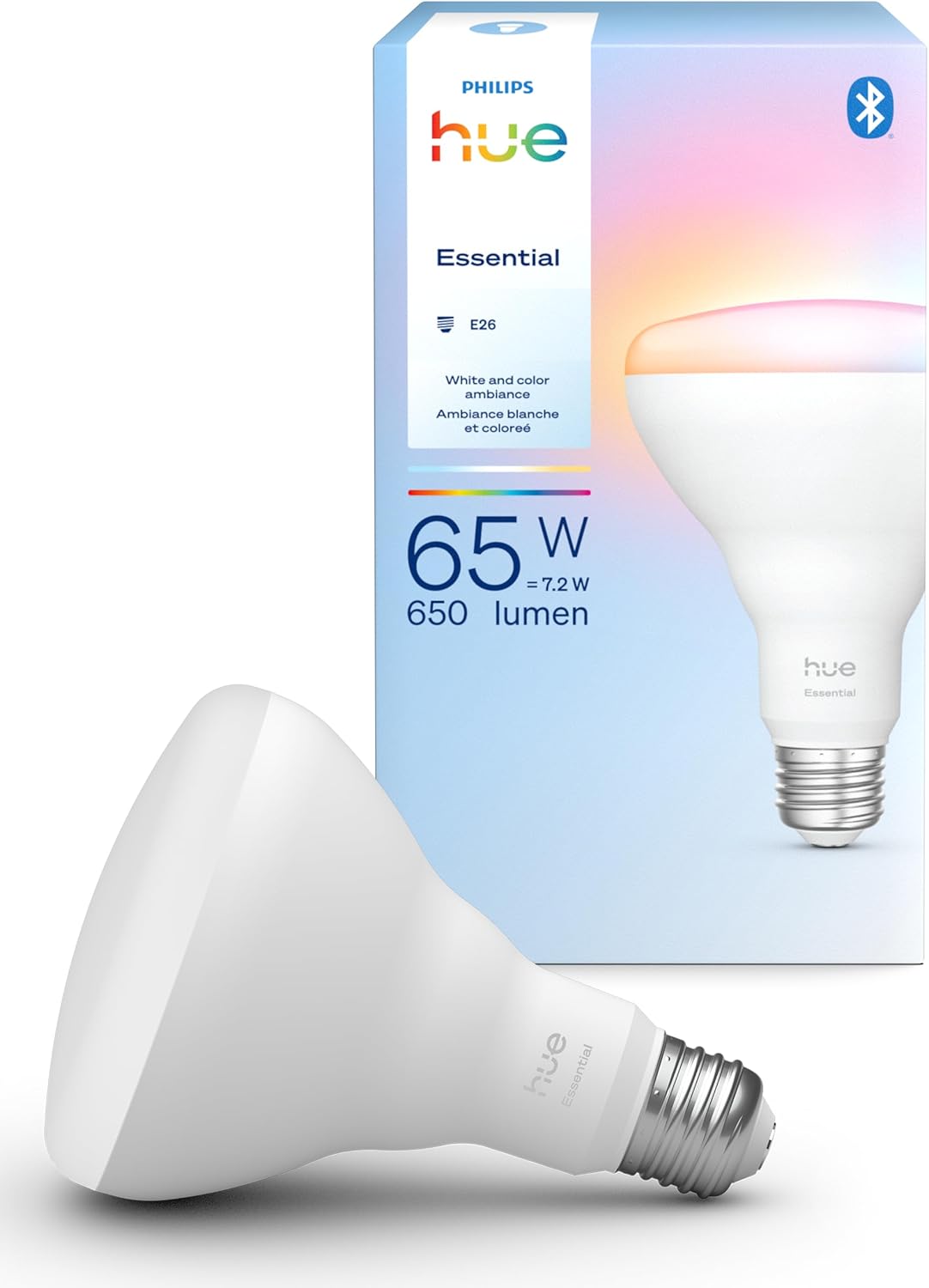
First, I replaced the four existing BR30 bulbs with Philips Hue Essential BR30 smart bulbs. Since hallway lighting doesn’t need super precise color or anything too dynamic, the more budget-friendly Hue Essential line works well here. Even though it’s a cheaper option than regular Hue bulbs, it still supports the circadian lighting feature in SmartThings, which can automatically adjust the color temperature throughout the day to mimic the current natural light. However, when you use that feature, the automation seems to run in the cloud rather than locally. If you prefer local automations, I recommend manually setting the color instead of using the circadian lighting option. I also grouped all four bulbs into a single “Hallway Lights” group. Using a light group makes it easier to control multiple fixtures at once with the same brightness and color and simplifies both manual control and automation setup.
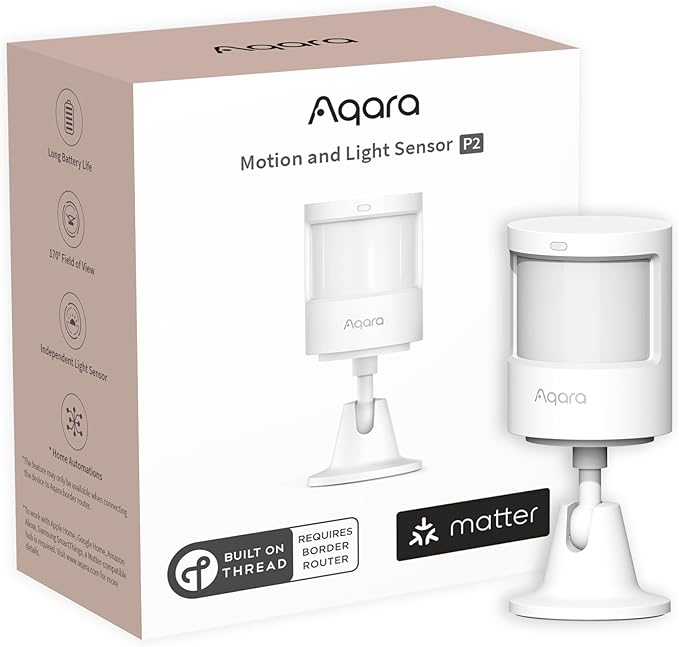
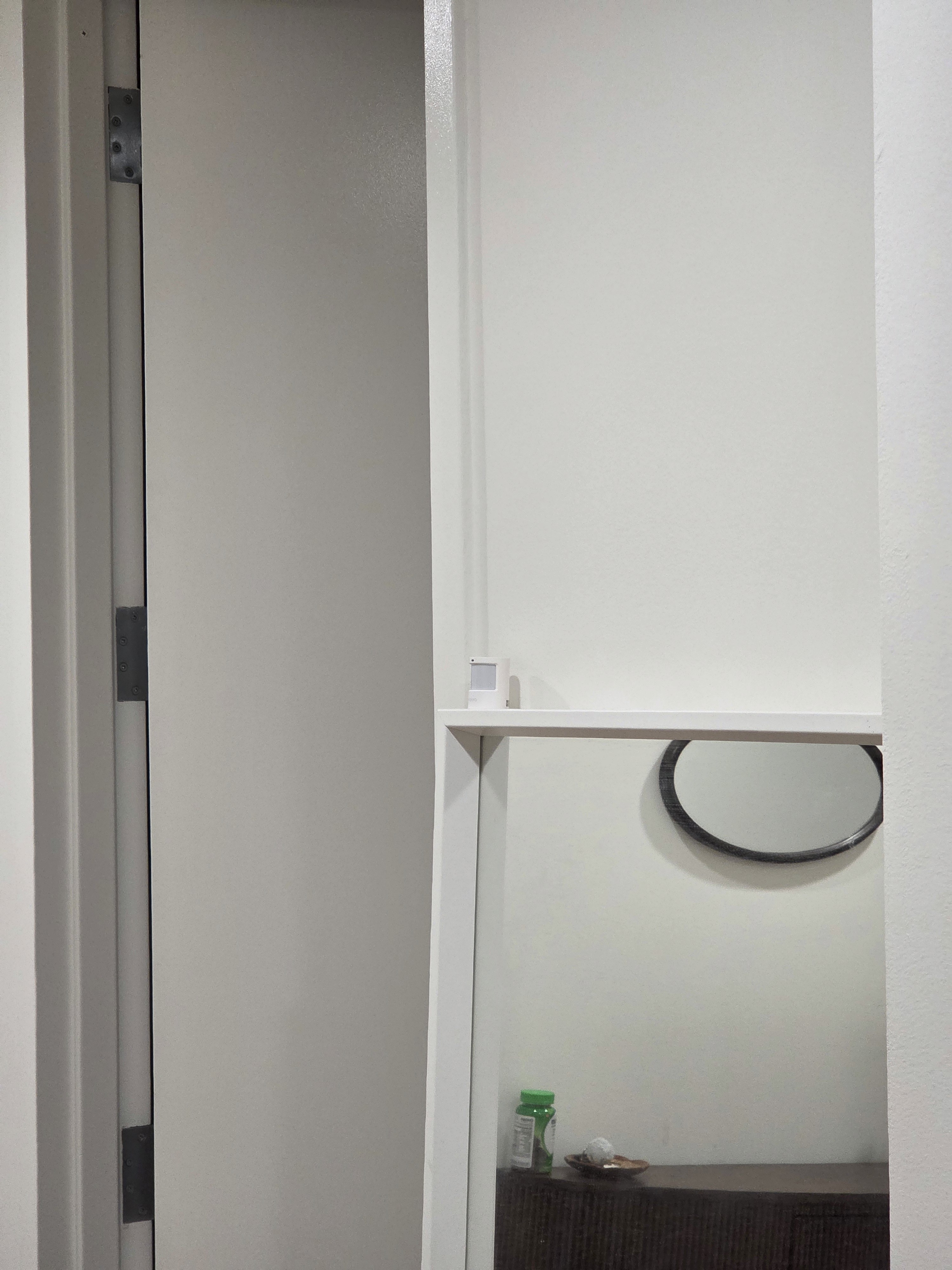
To detect whether someone is in the hallway, I placed an Aqara P2 motion sensor above the mirror in the center of the hallway and carefully adjusted the angle so it only picks up movement in the hallway area. The Aqara P2 can also measure illuminance, so it would be possible to create an automation that only turns the lights on when it’s dark enough. But in my home, the hallway is pretty dim even at midday, so I simply have the lights turn on whenever motion is detected, regardless of brightness.
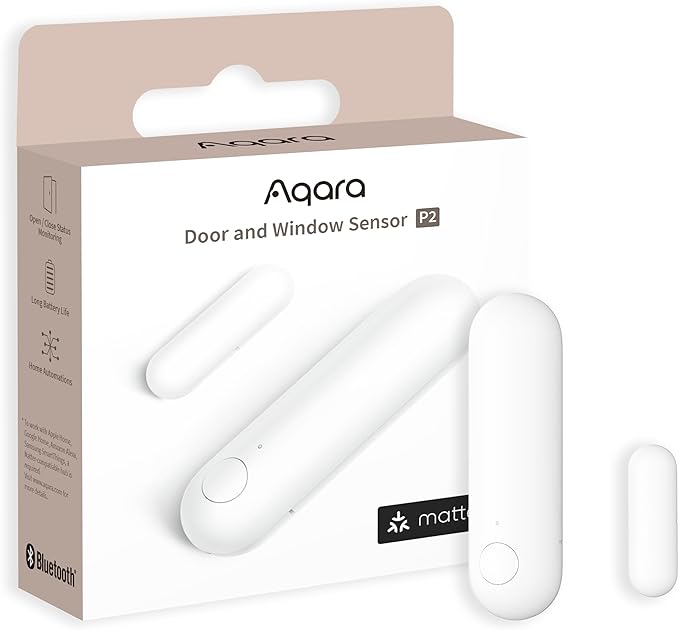
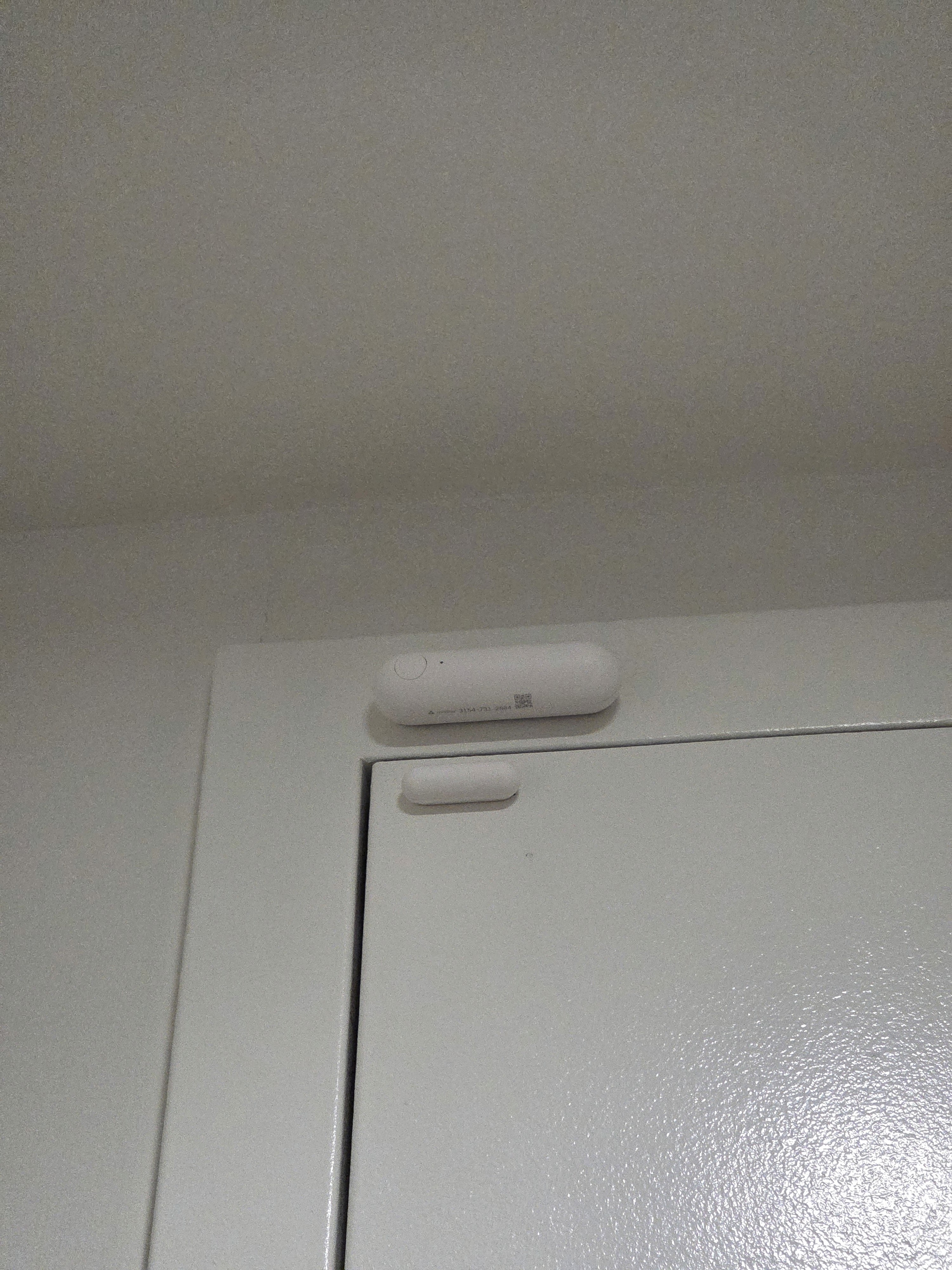
I also wanted the hallway lights to turn on right away when someone comes home, not just when people are already inside. So I attached an Aqara P2 door and window sensor to the front door and set the lights to turn on when the door opens as well. Technically, opening the front door will also create motion that the motion sensor can detect, but the door sensor tends to respond faster, and I already use the door’s open/close state in other automations, so this setup made sense. For the lights-off automation, I ignore the door entirely and simply turn the hallway lights off when the motion sensor reports no motion for a while.
Required Devices