

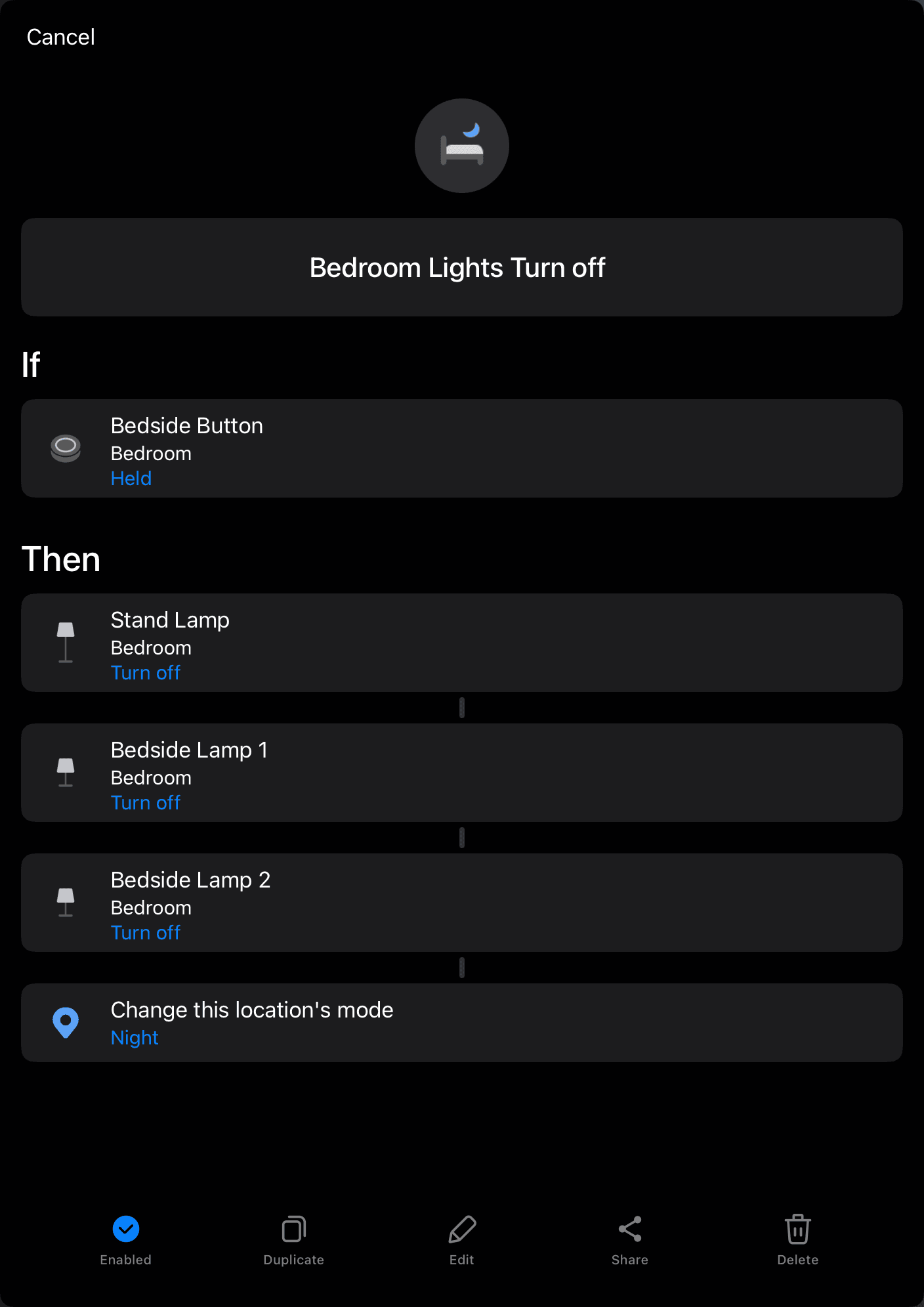
When you press the button next to the bed, all of the bedroom lights turn off.
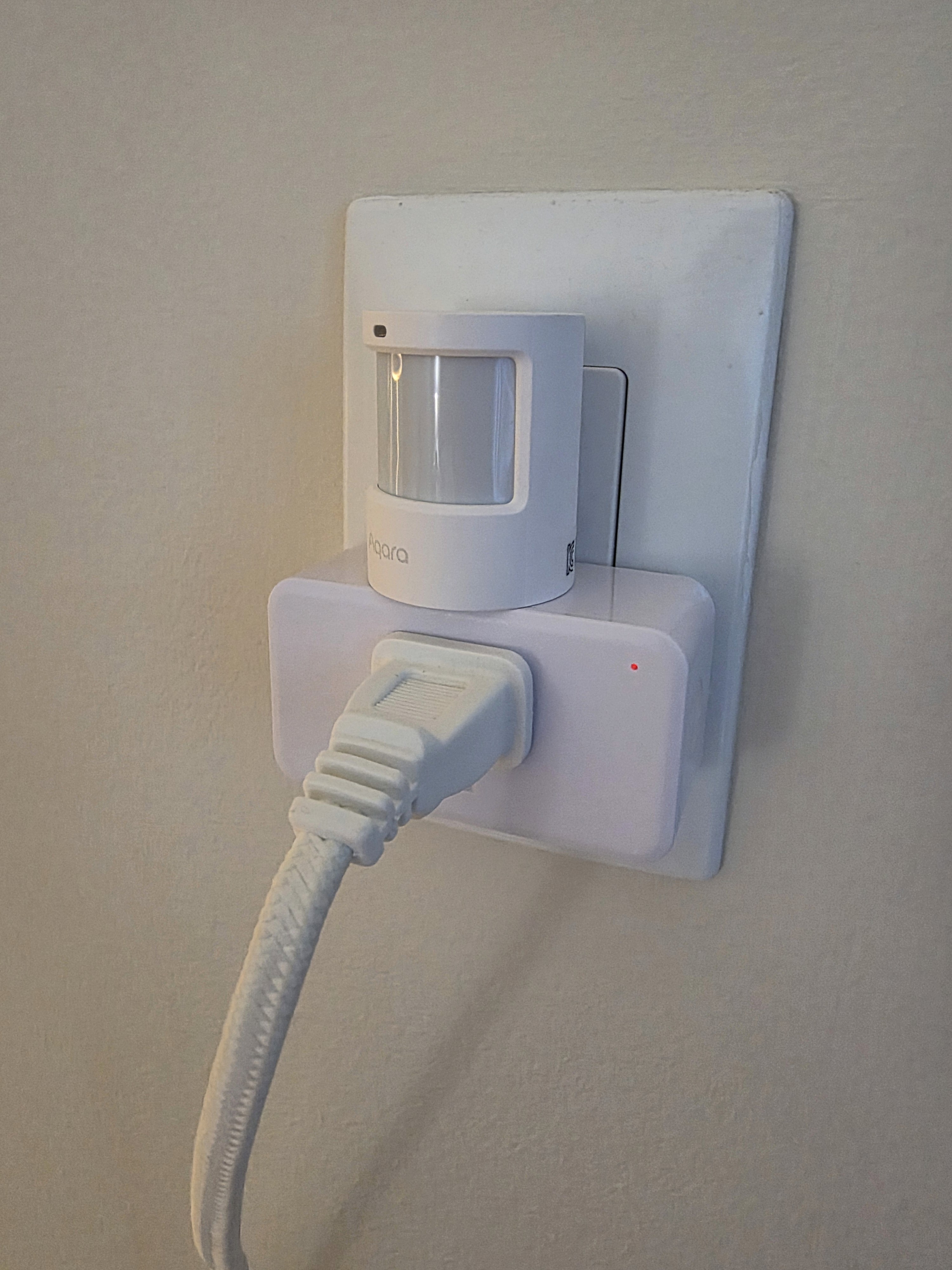
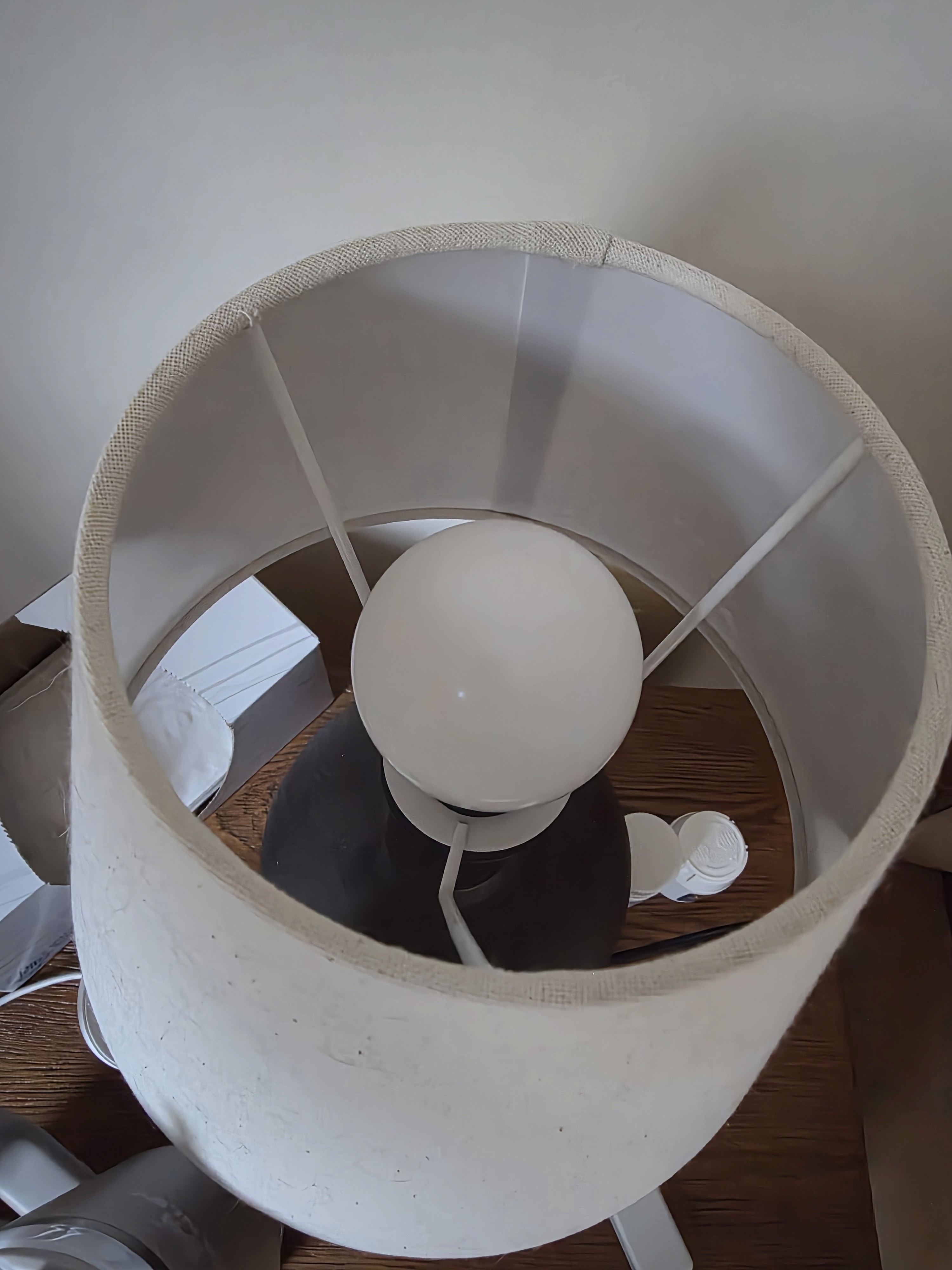
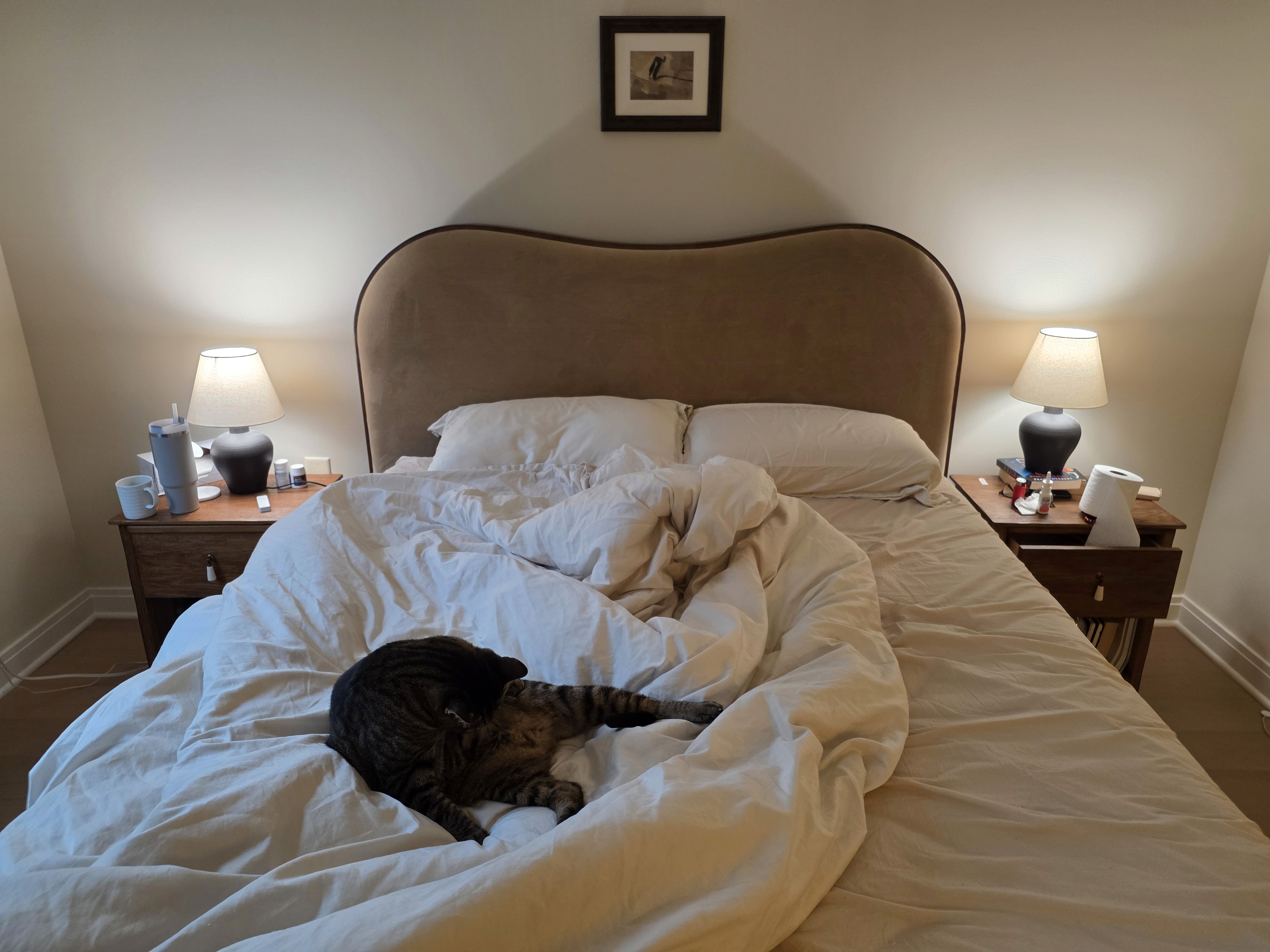
In our bedroom, there’s a lamp on each side of the bed and a floor-standing LED lamp near the entrance. This automation lets me turn all of those lights off at once while I’m already in bed. The bedside lamps use standard E26 sockets, so I replaced their regular bulbs with Tapo L535E Matter smart bulbs. The floor LED lamp can’t use a smart bulb, so I plugged it into a ThirdReality smart plug to control its power.
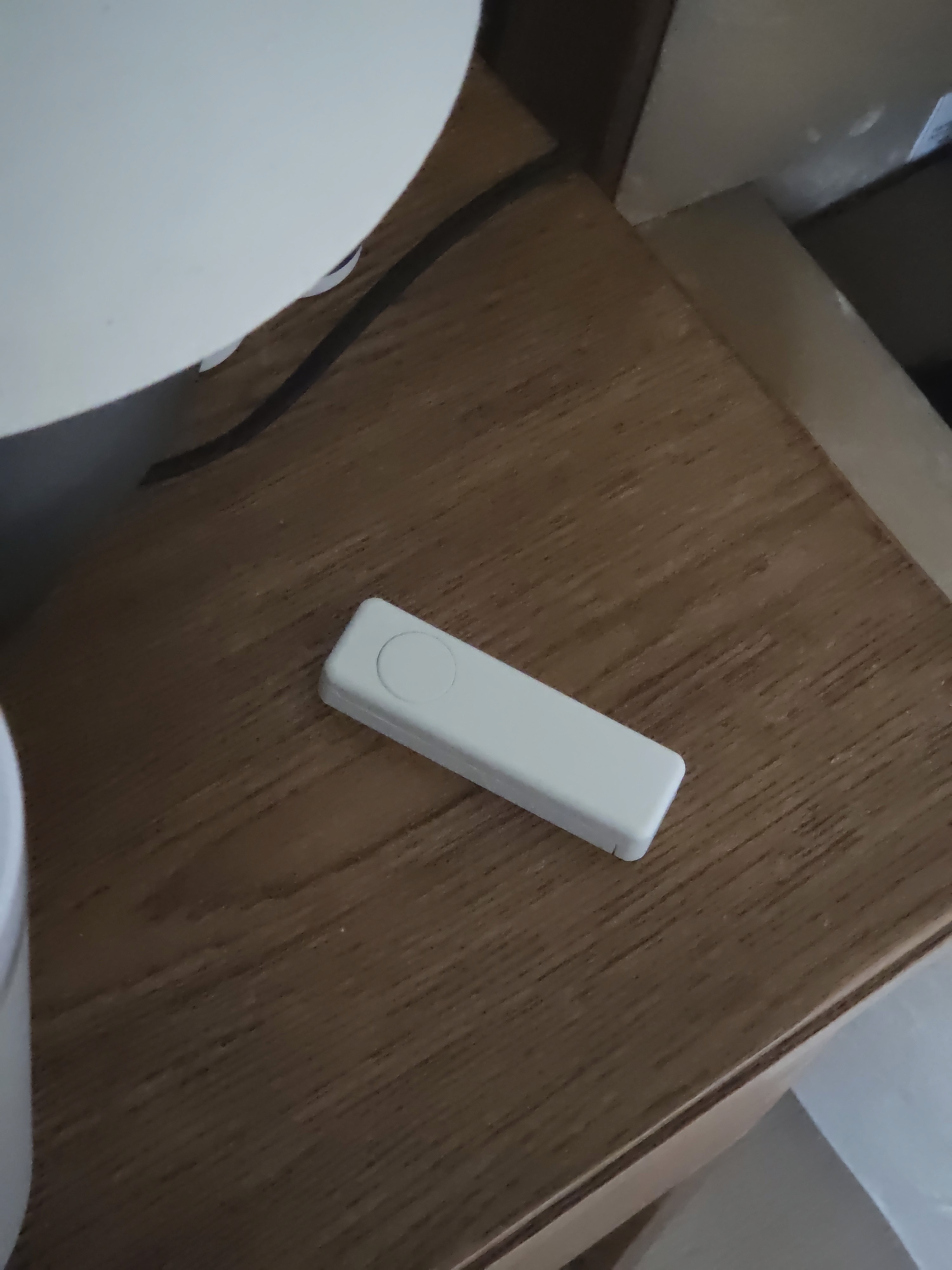
I placed a ThirdReality Zigbee button next to the bed and set up an automation so that pressing and holding the button turns all bedroom lights off and changes the Location mode to Night. That way, other automations can use the Night mode as a condition—for example, to adjust lighting, notifications, or other devices differently at night.
In addition to the press-and-hold action, I also use extra button actions:
Single press: turn all bedroom lights on
Double press: toggle only the bedside lamps on or off, without affecting the floor lamp
The Tapo smart bulbs support Matter, and the ThirdReality smart plug and button use Zigbee, so all of them can be paired directly with the Aeotec Hub.
※ In the first photo, there’s a motion and illuminance sensor sitting on top of the smart plug. That device is used for a different automation and is not required for this one.
Required Devices